Artifact Storage
Keep test artifacts private while still making them easy to access from Testream and Jira.
Testream supports two private storage modes:
- Testream-managed storage - the simplest option, with private storage handled by Testream.
- Customer-owned bucket storage - connect your own bucket when your team needs to control where artifacts live.
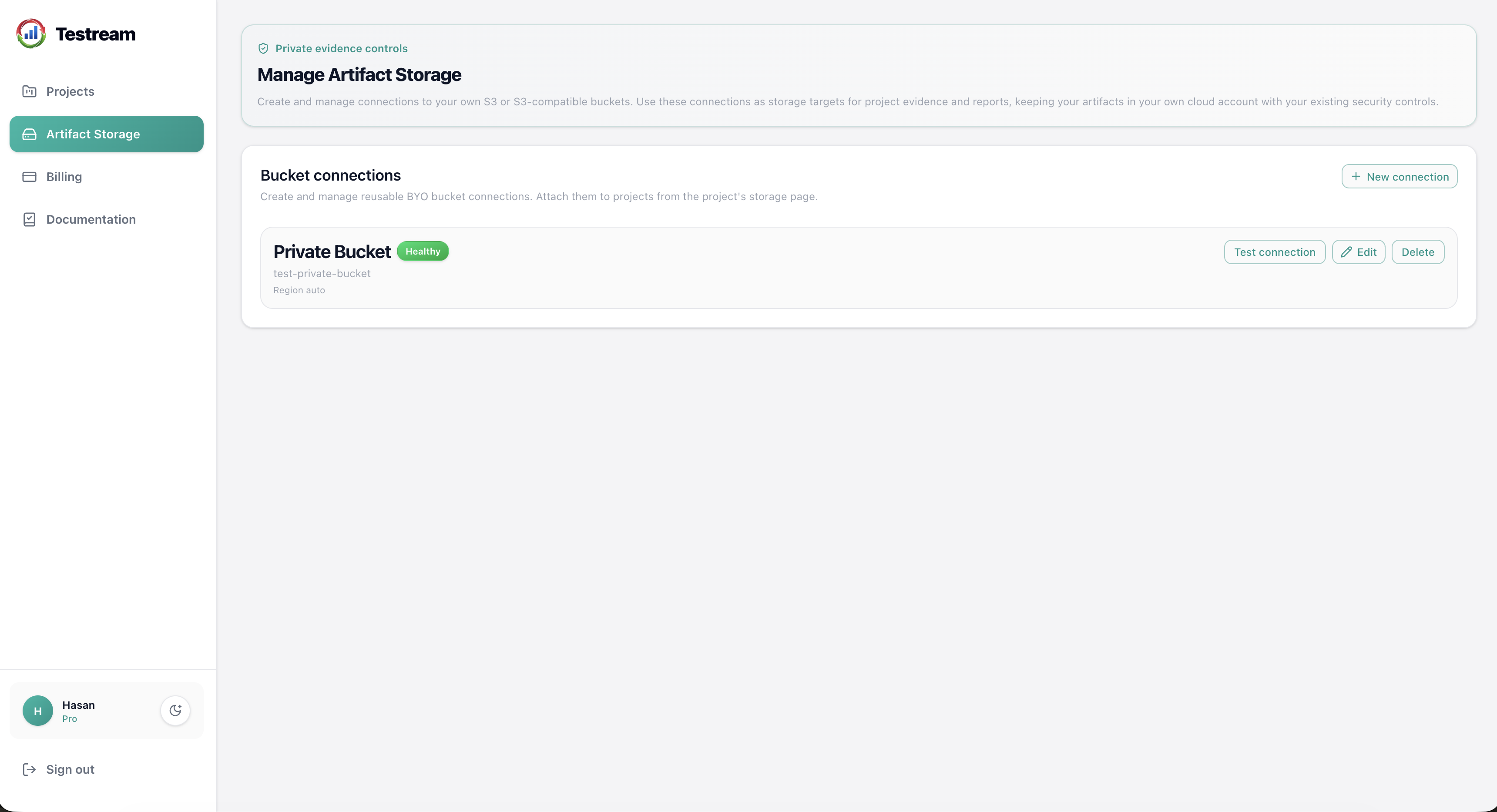
Storage Options
| Option | Best for | What you manage |
|---|---|---|
| Testream-managed storage | Teams that want the quickest setup | Nothing beyond using Testream normally |
| Customer-owned bucket storage | Teams that need to persist artifacts in their own infrastructure | Bucket connection, project attachment, and connection health |
Testream-Managed Storage
Testream-managed storage is the default private storage option. It works well when you want private artifact storage without maintaining your own bucket setup.
Use this option when your team wants the simplest path from test runs to private artifact access.
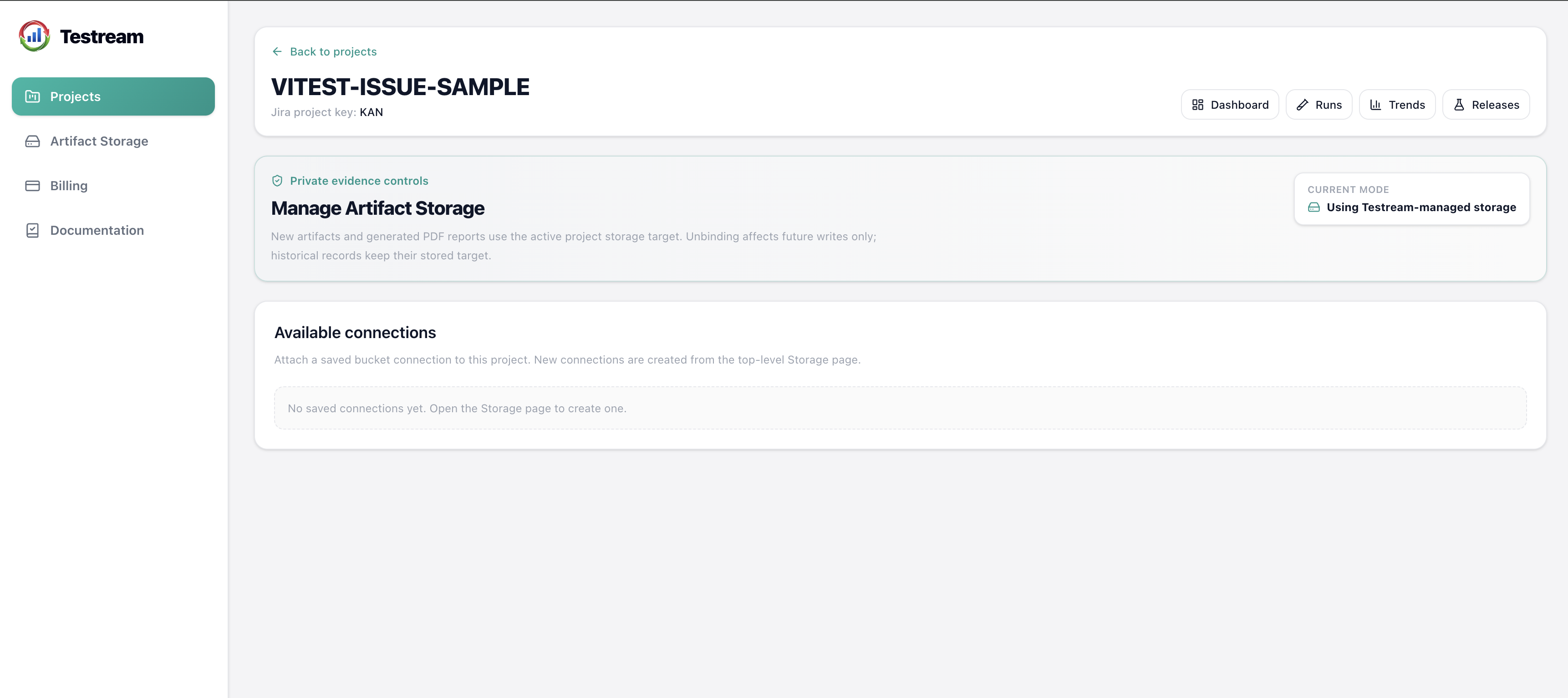
Open Storage From Projects
From the Projects page, use the Manage button in the Storage column to open a project’s storage settings.
This is the quickest way to review the active storage mode, attach a bucket connection, or switch a project back to managed storage.
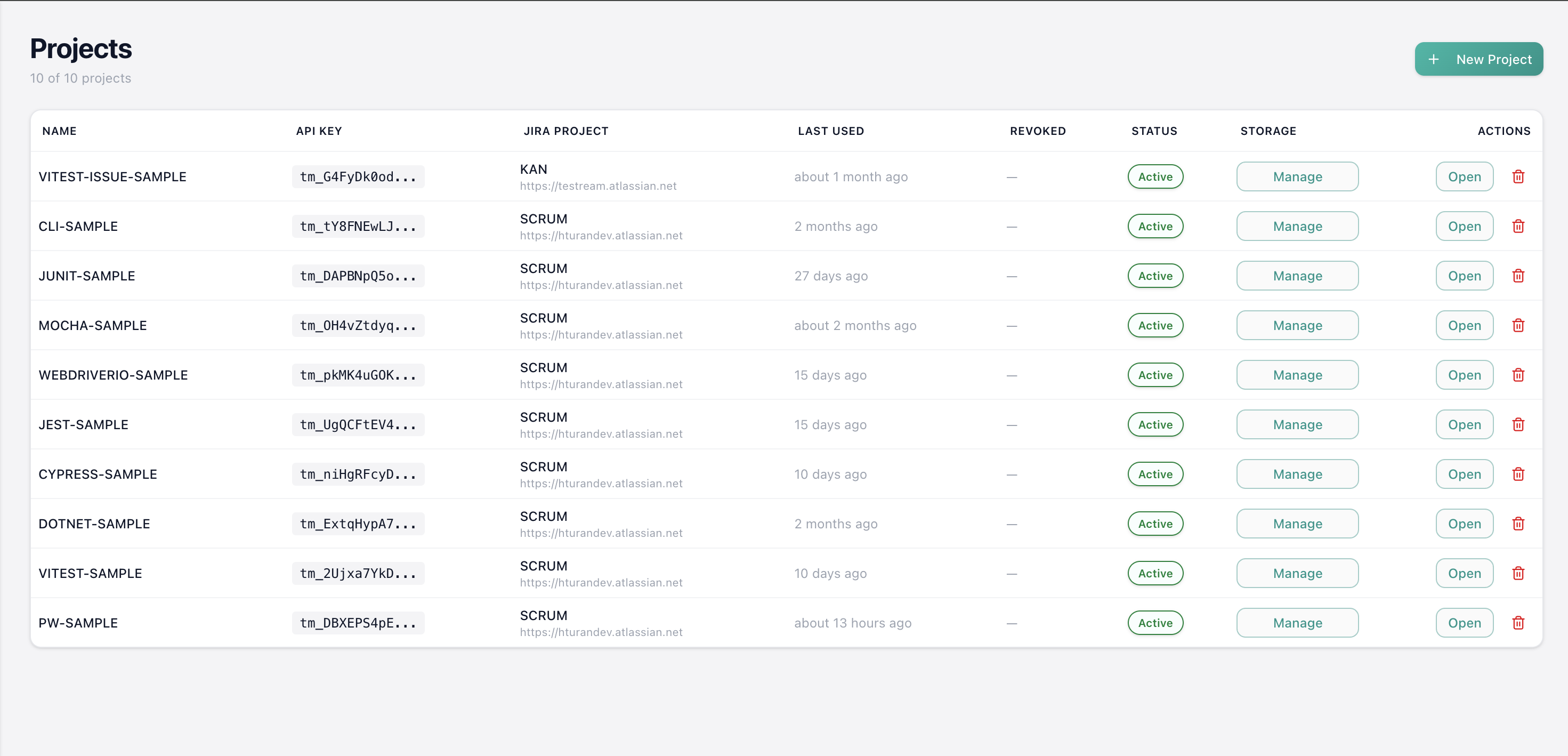
Set Up a Customer-Owned Bucket
- Open Artifact Storage in Testream.
- Create a new bucket connection.
- Enter the bucket details and credentials.
- Test the connection.
- Attach the connection to a project.
- Optionally set a base prefix for that project.
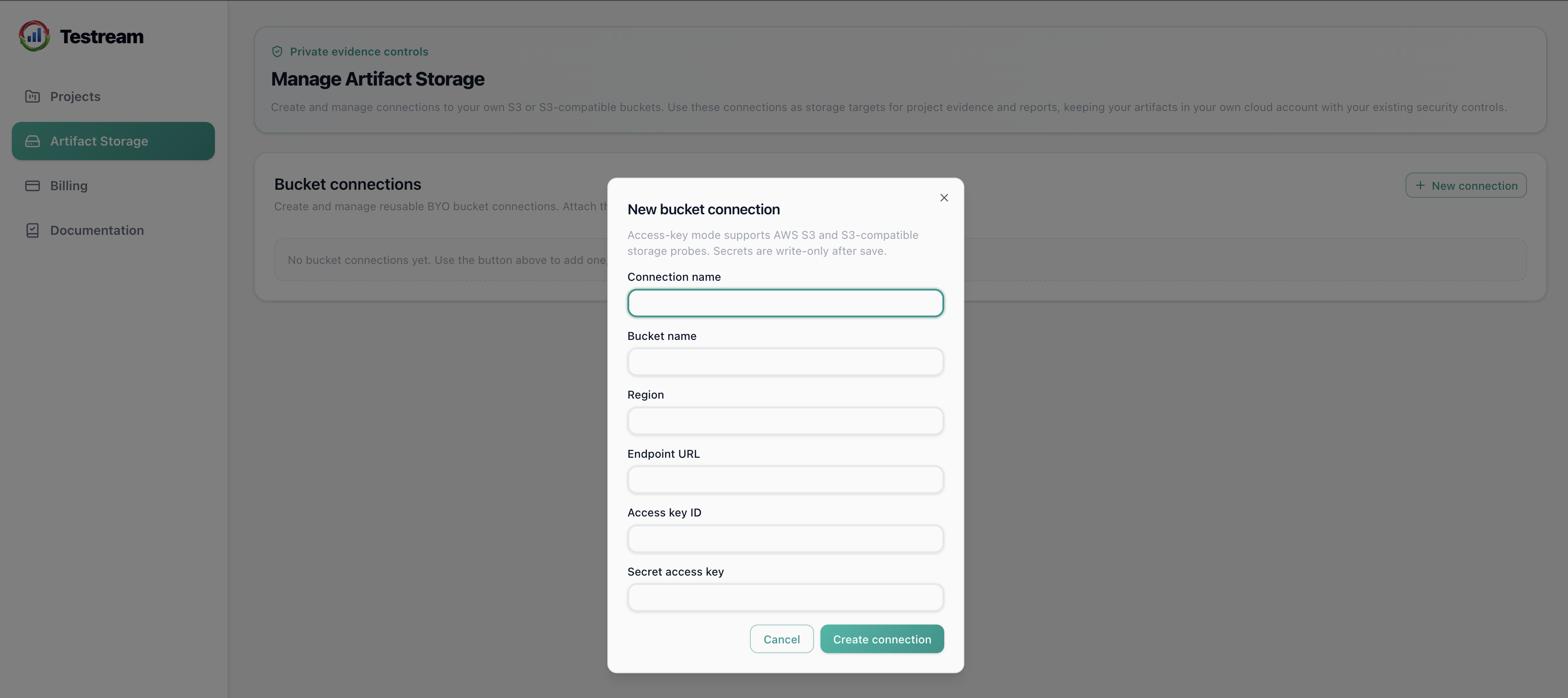
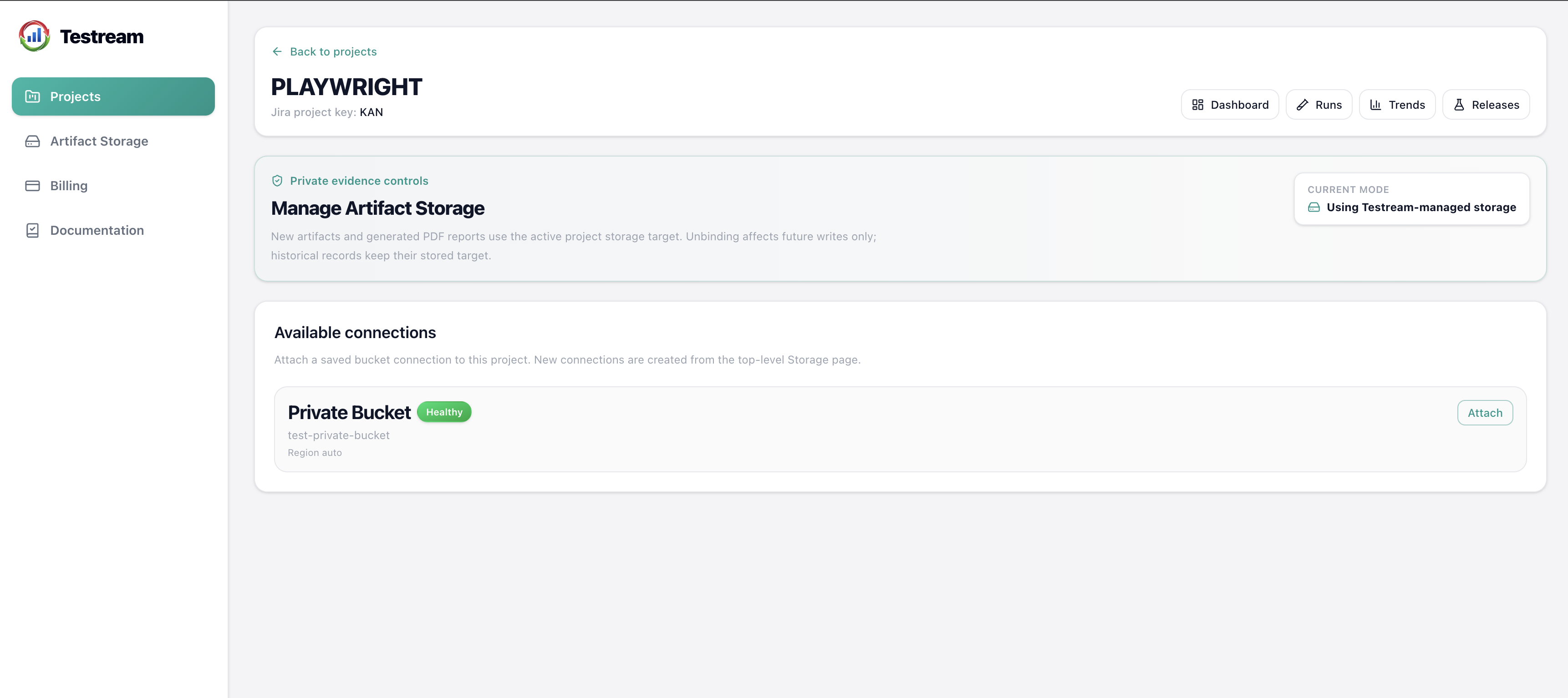
Manage Project Storage
On a project’s storage page, you can:
- view the active storage mode
- test the current connection
- edit the base prefix
- disable customer-owned storage for the project
What Happens When a Connection Is Deleted
If a bucket connection is deleted, Testream stops using it for future access. Historical artifacts and reports stored in that connection may no longer be available.
If you only want to stop using the connection for a project, disable it from the project storage page instead of deleting it.
Choosing Between the Two
Choose Testream-managed storage if you want the fastest, simplest setup.
Choose Customer-owned bucket storage if your team needs to connect its own bucket and manage that connection over time.
Next Steps
- Failure Inspection to see how artifacts help with failed-test debugging.
- Quick Start to publish the first artifact-producing run.
- CI/CD test results in Jira for the higher-level product overview.